
Universe price and terms
Terms
- Free to start
- PartlyPartlyNo charge to open an account or publish event pages and no service fee at all on free events
The terms in full
every paid ticket carries the per-ticket service fee. The vendor states it offers no free trial.
- Sign up without sales
- YesYes
What needs a higher plan
- Standard
- Ticket types and discounts
- Pro
- Support on event day
For AI agents
- API
- Yes
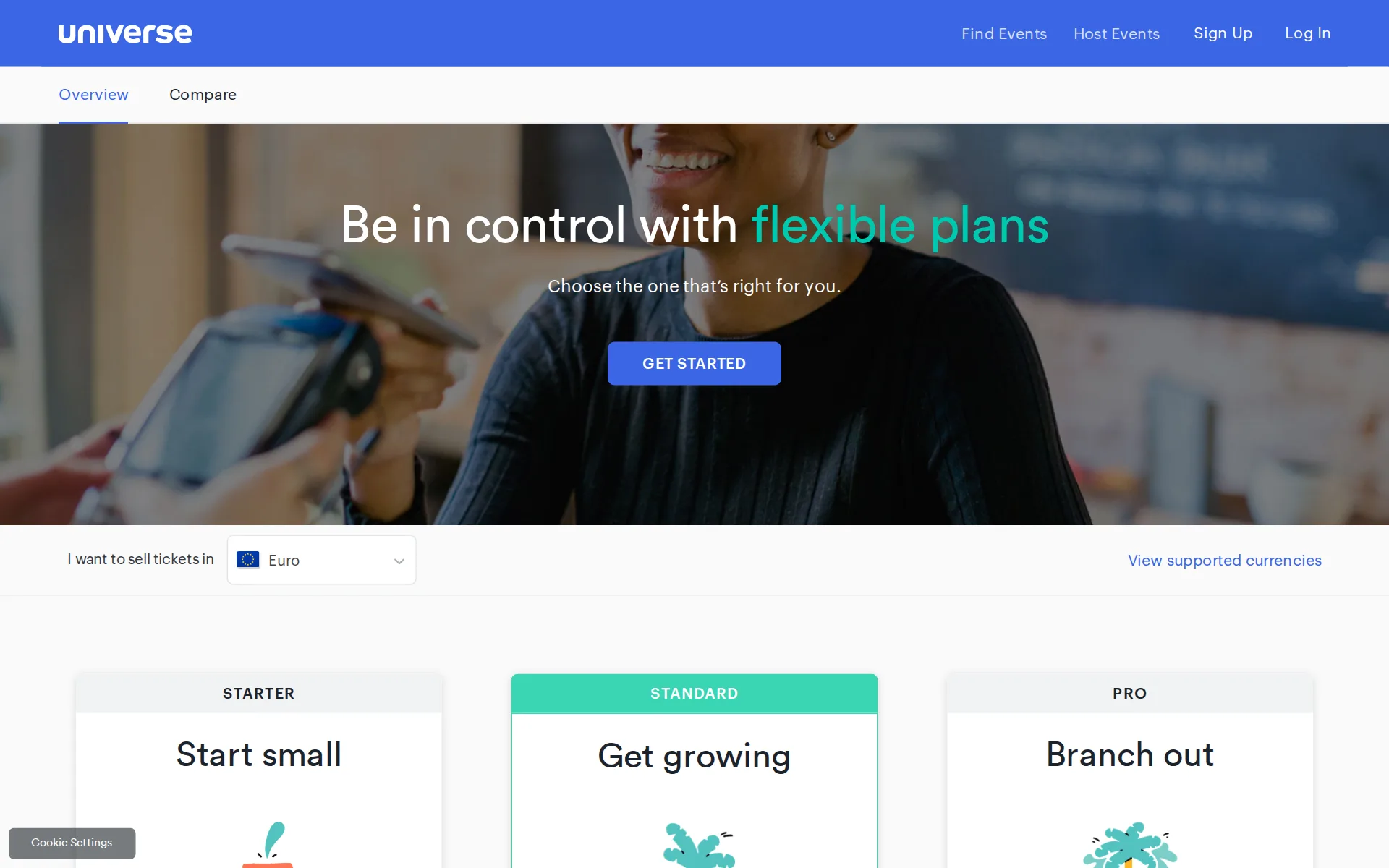
Pricing page, captured
universe.com/pricing, checked
What we checked on Universe
The fee per ticket
The Starter plan charges a percentage plus a fixed amount on each paid ticket, with a stated per-ticket ceiling; Standard charges a higher percentage and fixed part.
2% + $0.79 per ticket (Capped at $19.95 per ticket)
universe.com/pricingChecked
Who pays the fees
The organizer decides per event whether to pay the fee themselves, out of the ticket price, or pass it to buyers as a separate checkout line item.
You have the option to either absorb fees into the ticket price or pass the fees along to your buyers.
universe.com/pricingChecked
Card processing
Processing is either Universe Payments or the organizer's own Stripe account, but no card processing rate is published anywhere on universe.com; the plan cards state fees exclude it.
Excludes VAT and processing fees. See FAQs for more info.
universe.com/pricingChecked
All-in price at checkout
Outside the USA the service and processing fees are shown as one summarized price, which the vendor's own wording excludes US buyers from.
For countries where all-in pricing applies (e.g. every country except USA) the Service Fee and Processing Fee are displayed as one summarized price.
universe.com/pricingChecked
Free events
Free events carry no service fee at all, and the vendor repeats on the Pro card that it is free for free events.
For Free Events: There are absolutely no service fees. Universe is 100% free for free events.
universe.com/pricingChecked
Fees on refunds
The service charge is documented as non-refundable, so a buyer who paid the fee does not get it back, and a seller who absorbed it is still charged it on a refund.
Service Charges, if applicable to the Buyer, are non-refundable.
universe.com/termsChecked
Nonprofit rates
Registered nonprofits and charities can request special pricing and then must enter a referral code on each event page for the rate to apply.
Yes, if you are a registered nonprofit or charity, you can request our special pricing. Once approved, you will receive a referral code to enter upon…
universe.com/pricingChecked
Plans and subscriptions
There is no monthly or yearly platform fee; plans differ only in the per-ticket fee and features, and nothing is charged until a ticket sells.
it's completely free to create an account and event pages on Universe. You will only be charged once a ticket is sold.
universe.com/pricingChecked
Donations and tips
Donation tickets are one of the unlimited ticket types, and sellers may pledge part of the sale price to a cause; no donation-specific fee or platform tip prompt is documented.
Includes password protected, discounted, and donation tickets.
universe.com/pricingChecked
Sales tax on tickets
adds a tax line you set: tax appears as a separate checkout line item and on receipts, and Universe explicitly does not withhold or remit it for you.
Yes, you can add tax as a separate line item at checkout and it will show on your buyers’ receipts. Please note that you are responsible for all…
universe.com/pricingChecked
When you get the money
Two disbursement options: your own Stripe account pays out on a rolling basis as tickets sell, or Universe Payments remits roughly 48 hours after the event ends.
Create a Stripe Account and get access to your funds on a rolling basis as tickets are sold.
Disputed charges
The seller ultimately bears chargebacks and the related processing fees, and Universe may hold back at least 10% of proceeds to cover them; no fixed dispute fee is published.
Any credit card chargebacks or other transaction reversals initiated against Universe or its affiliates for any reason ... shall ultimately be the…
universe.com/termsChecked
Your buyers’ details
The organizer is the data controller for buyer data it collects, can download attendee data, and Universe states it never shares that data.
Data you collect on your attendees is yours to keep; we never share it with anyone.
Ticket types and discounts
Unlimited ticket types including password-protected and discounted tickets are on every plan, but automatic tiered ticketing requires the Standard plan.
Automatically start sales for a ticket type when another one sells out.
universe.com/pricingChecked
Questions at checkout
Custom checkout questions are listed on every plan and the vendor describes building them into the checkout flow to capture buyer insights.
Capture buyer insights with custom questions built directly into your checkout flow.
Registration forms and waivers
Your own questions can be collected at checkout per order and viewed per attendee; the pages say nothing about a signable waiver.
View checkout questions and ticket orders on the attendee level.
universe.com/features-scanChecked
Timed entry
Timed-entry schedules can be created in bulk with ticket quantity and availability set per timeslot, and prices adjusted by timeslot.
Control your inventory from end-to-end— set the quantity and availability of ticket types on a timeslot-by-timeslot basis.
universe.com/featuresChecked
Waitlist
A guest waitlist can be switched on to keep collecting buyer details after an event sells out.
Enable guest waitlists to collect valuable buyer data even when your event sells out.
Sell on your own website
Out-of-the-box embeddable widgets let buyers browse and buy on the organizer's own site, and the API allows a fully native purchase experience.
Use our out-of-the box embeddable widgets to sell directly on your site with no developer help.
Website builders
embed only: selling on your own site is done with embeddable widgets or the API, and no WordPress, Squarespace, Wix or Shopify plugin is named anywhere on the site.
Enable fans to discover, browse and purchase tickets directly on your website with a single snippet of code.
universe.comChecked
Add-ons
Unlimited add-ons are on every plan, and merchandise or package upgrades can be surfaced in checkout and paid for in one transaction.
Surface merchandise, upgrades to special packages and other add-ons in checkout, and let buyers pay in a single, seamless transaction.
Recurring events
Recurring and multi-date events are handled by extending timed-entry schedules in bulk and duplicating listings rather than building each date by hand.
Quickly create and extend timed-entry schedules—and make bulk changes across all timeslots in seconds.
universe.com/featuresChecked
Refunds and transfers by buyers
Buyers can move their order to another date and time themselves within rules the organizer sets, and ticket transfers are included on every plan.
Let buyers change date and time of their order without contacting support, based on rules you set.
universe.com/featuresChecked
Check-in app
The BoxOffice app for iOS and Android scans and sells at the door and is included on every plan; offline scanning is not documented.
Scan and sell at the door BoxOffice for iOS and Android.
universe.com/pricingChecked
Door sales
Door sales take credit cards, Apple Pay, Google Pay or cash in the BoxOffice app, and door-only ticket types can carry their own rate; no separate door fee is published.
Accept credit cards, Apple Pay, Google Pay, or cash payments quickly and easily.
universe.com/features-scanChecked
Listed where buyers browse
Events appear on Universe Discover on every plan at the same per-ticket fee, while listing on Ticketmaster requires the custom-priced Pro plan.
Sell on Universe Discover
universe.com/pricingChecked
Email to buyers
Attendees sync automatically to Mailchimp and the platform sends reminders and drop-off re-engagement emails, but campaign email to past buyers is described as work with its marketing teams.
Automatically add attendees to your mailing list.
universe.com/pricingChecked
Ad tracking
Facebook Pixel and Google Analytics are listed as integrations on every plan, alongside integrated conversion tracking.
On the page: Compare table, Integrations section, 'Facebook Pixel' row
universe.com/pricingChecked
Promoter links
Partner affiliate channels are included on every plan and the vendor names the affiliate tools they run through, Ticket Runner and Social Ladder.
Partner affiliate channels Includes access to Ticket Runner and Social Ladder.
universe.com/pricingChecked
Works with
Mailchimp and Zapier are on every plan, and Zapier opens 5,000-plus apps including Salesforce, HubSpot, Slack and Google Sheets.
Connect Universe with 5000+ popular apps through Zapier to streamline your worfklows—no code needed.
API
A public GraphQL API with its own developer documentation is listed on every plan, with webhooks alongside it.
Universe provides a GraphQL API for building integrations.
Free to start
Creating an account and event pages costs nothing, fees only arrive when a ticket sells, and both fees can be passed to buyers so the organizer pays nothing itself.
Yes, you can pass all fees on to your buyers.
universe.com/pricingChecked
Sign up without a sales call
You can create a listing and start selling the same day with self-serve tools, although every plan button on the pricing page routes to a contact form.
Create an event listing in minutes, go live, and start selling tickets the same day.
universe.com/featuresChecked
Contract
There is no lock-in: plans can be upgraded, downgraded or canceled at any time and the vendor states there are no termination fees.
Free for free events. Zero setup costs, no hidden fees, and no termination fees.
universe.com/pricingChecked
Support on event day
Entry plans get the online help center and email support only, priority email comes with Standard, and phone-style contact center and onsite support are Pro; no hours are published.
Contact center support
universe.com/pricingChecked
Universe alternatives
All 9 alternatives6 more alternatives
8 of the 9 publish a price.
- EventbriteFree, then $69 a monthTicketing platform with a buyer-discovery marketplace and optional fee transfer.
- HumanitixFree, then $1.29 per paid ticketNonprofit ticketing: 5% + $1.29 a paid ticket, card processing included, profits to charity.
- RunSignupFreeFree endurance-event registration platform billed only through per-transaction processing fees.
- RSVPifyFree, then $0.90 per ticketRegistration, ticketing, guest management, seating, and QR-code check-in in one platform.


Is this yours?
Run this platform? Claim the page for free, see its visitors and add the owner mark. You confirm it with an email at universe.com.
Report an error if a fact is wrong.