
Tickera price and terms
Terms
- Free plan or trial
- NoNo
- Sign up without sales
- YesYes
What needs a higher plan
- Bundle
- Reserved seating
For AI agents
- API
- Partly
Where these prices come from
tickera.com/pricing, checked
What we checked on Tickera
Fees on 200 tickets at $25
$175 in fees on 200 tickets at $25 on Lifetime, all paid by the organizer: each ticket costs the buyer $25 and the organizer keeps $4,825.
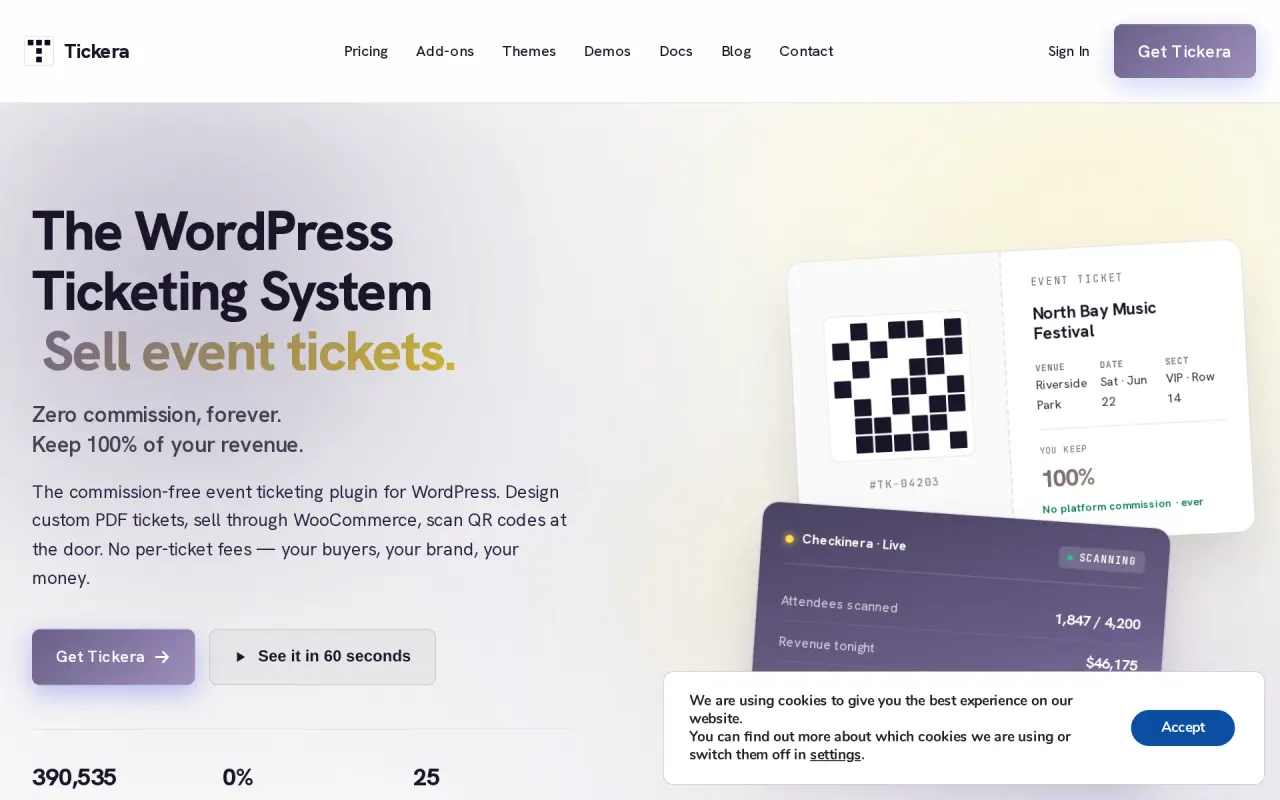
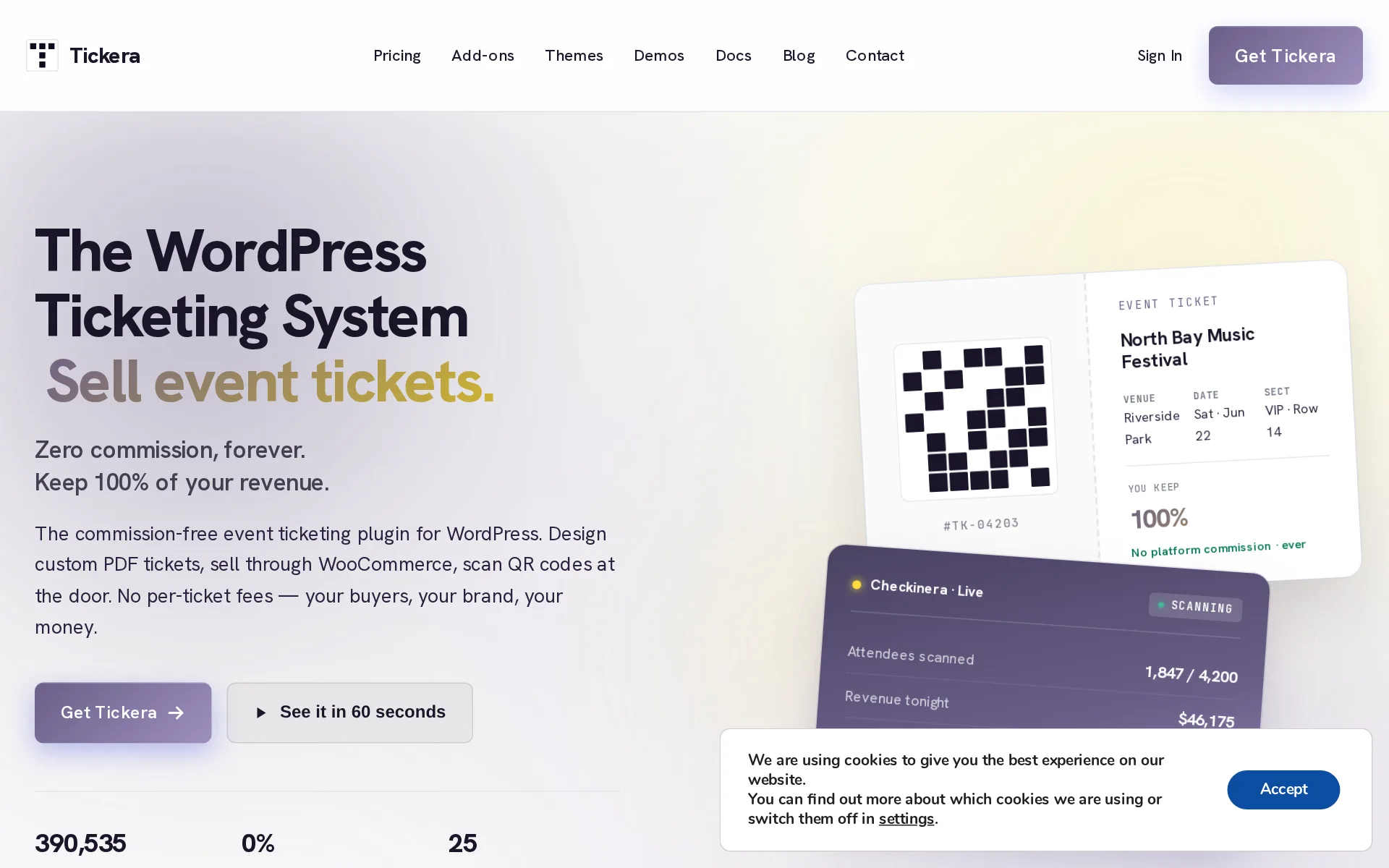
0% commission on ticket sales
tickera.com/pricingChecked
Fees on 50 tickets at $25
$43.75 in fees on 50 tickets at $25 on Lifetime, all paid by the organizer: each ticket costs the buyer $25 and the organizer keeps $1,206.25.
On the page: Compare plans table, "0% commission on ticket sales" row, Lifetime column
tickera.com/pricingChecked
The fee per ticket
Tickera charges nothing per paid ticket on any plan; the license fee is the only money it takes from an organizer.
Tickera itself doesn’t take a cent from any ticket sale, on any plan. The license fee below is the only money that ever flows to us.
tickera.com/pricingChecked
Who pays the fees
Nothing of Tickera's is added to a ticket, and a global fee you set yourself can be charged per ticket or per order and shown in the cart.
Global fees – If you have ticket fees that are always the same, you should use this option as it will be applied to all of your ticket types.
Card processing
Your own payment account processes every charge, and Tickera names roughly 2.9% plus $0.30 with Stripe as the usual rate it adds nothing to.
Standard gateway processing fees still apply (typically ~2.9% + $0.30 with Stripe), same as on any platform — that’s between you and your gateway,…
tickera.com/pricingChecked
All-in price at checkout
With no platform fee the listed price is what the buyer pays, but any tax line or fee you add yourself is shown in the cart rather than in the ticket price.
Show Fees – Enable this option to display fee information in the cart. Disable it to hide fees if you don’t use them.
Free events
A ticket priced at zero skips payment entirely through the Free Orders path, and Tickera charges nothing for issuing those tickets.
All you need to do is to create a ticket type with the price of 0 (zero). This way, customers who added tickets to the cart won’t be redirected to…
Plans and subscriptions
Three license tiers exist, yearly for Standard and Bundle or one payment for Lifetime, and they change which add-ons and support you get, never the per-ticket cost.
0% commission on every plan
tickera.com/pricingChecked
Sales tax on tickets
adds a tax line: you switch tax on, set the rate, label it VAT or similar, and choose whether prices already include it; nothing is remitted for you.
Tax Rate – If taxes are enabled, enter the tax percentage here. For example, entering 10 applies a 10% tax rate to ticket purchases.
When you get the money
Buyers pay your own payment account at checkout, so ticket money arrives as tickets sell and Tickera never holds or pays out funds.
Money lands in your Stripe / PayPal account the moment a buyer pays.
tickera.com/pricingChecked
Disputed charges
Disputes sit with whichever payment provider you connected, because Tickera records the order only and never handles the money or any dispute fee.
Handled by the gateway, not Tickera. Stripe disputes go through the Stripe dashboard, PayPal through PayPal, etc.
Your buyers’ details
Buyer names, emails and form answers sit in your own WordPress database, and you can export them to CSV and email them through your own tools.
Entirely on your WordPress site — in your hosting account’s database. Tickera doesn’t have a cloud.
tickera.comChecked
Ticket types and discounts
Unlimited ticket types cover tiers such as VIP and early bird, with discount codes in core and bulk code generation in an add-on.
VIP, early bird, group, comp ticket types
tickera.comChecked
Reserved seating
Buyers pick seats on a drag-and-drop venue chart, but only through the Seating Charts add-on, which the entry Standard license leaves out.
Seating Charts — visual reserved seating
tickera.com/pricingChecked
Questions at checkout
Core settings turn on per-attendee name and email fields, and the Custom Forms add-on builds your own per-event questions at checkout.
Custom Forms – Build per-event forms shown at checkout.
tickera.com/all-docsChecked
Registration forms and waivers
Your own fields, including waivers, come from the Custom Forms add-on rather than the core plugin, so the entry Standard license does not include it.
Capture dietary needs, sizes, preferences, waivers — per ticket type so you only ask what’s relevant.
tickera.comChecked
Waitlist
Core Tickera has no waitlist; the vendor's own answer sends you to WooCommerce plus a third-party waitlist plugin to capture and notify interested buyers.
Tickera’s core plugin doesn’t include a waitlist feature on its own
Sell on your own website
Checkout runs on your own domain as WordPress pages built from Tickera shortcodes, so buyers never leave your site to pay.
Your storefront is your storefront. Your domain, your logo, your colors, your wording, your sender on the receipt email.
tickera.comChecked
Website builders
native plugin or app: it installs into WordPress and nothing else, with the vendor stating outright that it works only with WordPress, so Squarespace, Wix and Shopify sites cannot run it.
Does Tickera work only with WordPress?
tickera.com/all-docsChecked
Add-ons
Tickera itself cannot sell merchandise or parking with a ticket; the vendor's route is the WooCommerce bridge plus a third-party product add-ons plugin.
Tickera itself does not support this functionality.
Recurring events
There is no recurring-event scheduler; the vendor says a series means building each occurrence by hand and advises against using it that way.
Currently, Tickera does not support recurring events functionality.
Check-in app
Scanning is included on every license through native iOS and Android apps and a browser station, both working offline after a sync, but only while the license is active.
Ticket scanning without an active license is limited to the WordPress admin area only. To use the Checkenra app for scanning tickets at the door, an…
tickera.com/pricingChecked
Apple Wallet
Passes for Apple Wallet are possible, but through a third-party plugin the docs point to rather than anything Tickera builds or includes in a license.
CommerceBird – Wallet Pass for Tickera is plugin that automatically generates Apple Wallet and Android Wallet passes for Tickera ticket purchases.
Google Wallet
Google Wallet passes come from the same third-party plugin the documentation names, not from the Tickera plugin or any of its own add-ons.
Attendees get a mobile pass download link on the Thank You page and in the order confirmation email — so they can store tickets directly in Apple…
Listed where buyers browse
There is no Tickera marketplace or app that lists your event; every sale happens on your own domain, so no sale can carry a marketplace commission.
Four steps. Your WordPress site. Your data. The whole journey lives on your domain — never in someone else’s marketplace.
tickera.comChecked
Email to buyers
Emailing past buyers runs through add-ons, Customer Connect for targeted mail and Mailchimp or Sendloop to push addresses to your own list, all outside the entry license.
Target emails to your customers with bullseye precision! Have all the ticket purchase information at your disposal and make it work for you when…
tickera.com/addonsChecked
Promoter links
Affiliates get referral links and a cut per ticket, but through the AffiliateWP integration, a third-party plugin bundled only from the Bundle license up.
let people register as affiliates on your website so they could share your event and take a cut from each of the tickets sold by using their referral…
tickera.com/addonsChecked
Works with
Add-ons connect Mailchimp, Sendloop, Customer.io, Slack and Twilio, plus WooCommerce for accounting and store workflows; no page names Zapier or a CRM beyond these.
The rest cover gateways (Mollie, Stripe Connect), CRM & marketing (Mailchimp, Sendloop, AffiliateWP, Twilio SMS, Slack), data (CSV Export, Customer…
tickera.com/pricingChecked
API
A documented API exists with keys, endpoints and JSON responses, but it covers check-in, attendee lists and event totals, not creating events or selling tickets.
This is the developer-facing API reference: endpoints, authentication, request/response formats.
Free to start
Selling needs a paid license: the cheapest is $149 for the first year, and there is no standing free plan, only a 7-day money-back window.
Standard $ 149 /year
tickera.com/pricingChecked
Sign up without a sales call
You buy a license at checkout with a card or PayPal and install the plugin yourself; sales contact is only for procurement or a custom license.
Stripe and PayPal at checkout. We accept all major credit cards through Stripe.
tickera.com/pricingChecked
Contract
No contract or exclusivity: the plugin keeps selling tickets if you skip renewal, you only lose updates and door-app scanning, and refunds run 7 days.
Your plugin keeps working — we never disable software you’ve paid for.
tickera.com/pricingChecked
Support on event day
Support is by email or the contact form, answered by a person within a business day; no phone line or live chat is offered, and no hours are published.
Have a procurement question, or building this for a client? Get in touch — real human, business-day response.
tickera.com/pricingChecked
Tickera alternatives
All 9 alternatives6 more alternatives
All 9 publish a price.
- RSVPifyFree, then $0.90 per ticketRegistration, ticketing, guest management, seating, and QR-code check-in in one platform.
- HumanitixFree, then $1.29 per paid ticketNonprofit ticketing: 5% + $1.29 a paid ticket, card processing included, profits to charity.
- Ticket TailorFree, then about $0.80 per ticketFlat per-ticket fee ticketing paid into your own Stripe, PayPal or Square account.
- GivebutterFree, then $33.80 a monthFree nonprofit fundraising platform with event ticketing, auctions and a built-in donor CRM.


Sources and changes
Last changed
Sources on tickera.com13
- /pricing
- /
- /tickera-documentation/settings/general
- /addons
- /all-docs
- /tickera-documentation/apple-and-android-wallet-pass-for-tickera
- /supported-payment-gateways
- /tickera-documentation/can-create-waitlist-event
- /tickera-documentation/check-in-api
- /tickera-documentation/currency-country-supported
- /tickera-documentation/faq/can-sell-perks-additions-tickets
- /tickera-documentation/faq/create-free-event
- /tickera-documentation/faq/tickera-support-recurring-events
Is this yours?
Run this platform? Claim the page for free, see its visitors and add the owner mark. You confirm it with an email at tickera.com.
Report an error if a fact is wrong.