
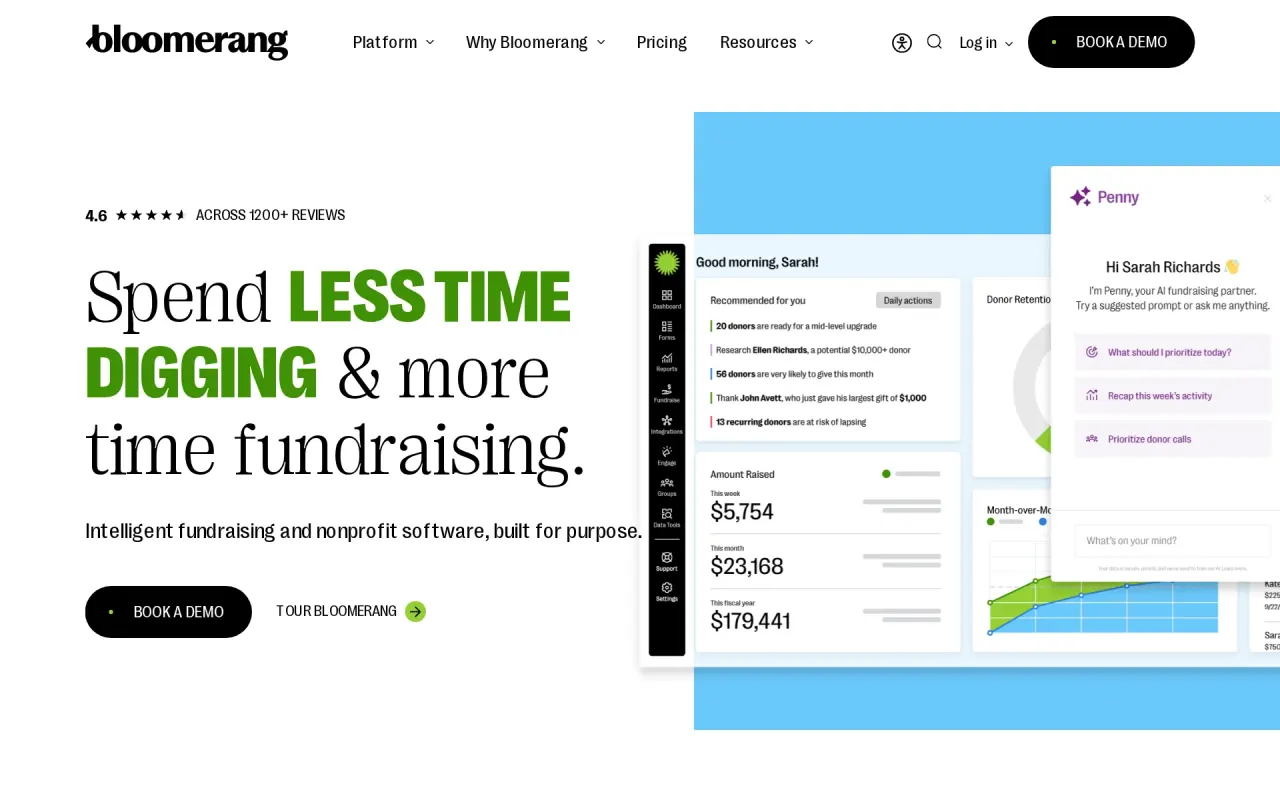
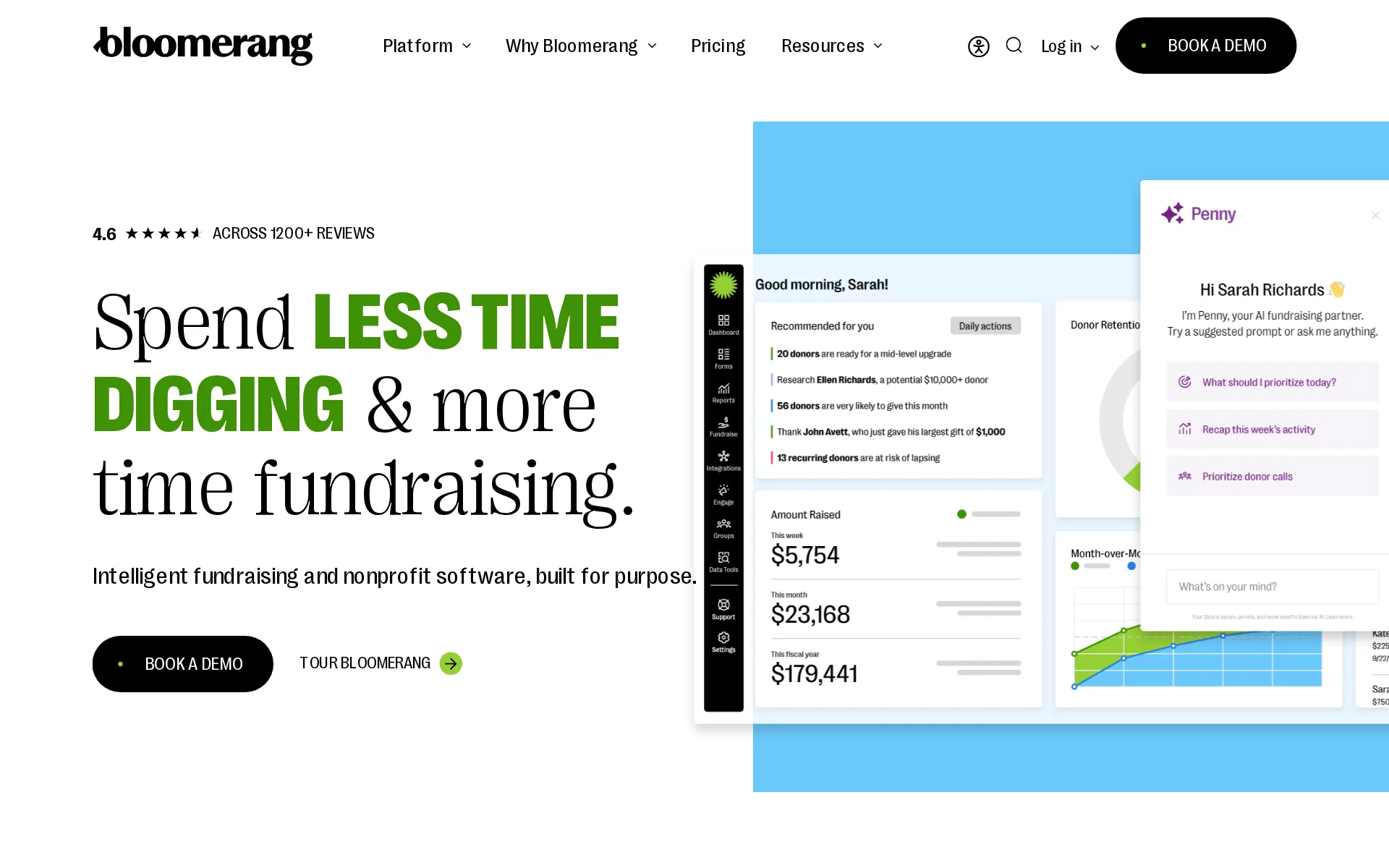
Bloomerang price and terms
Terms
- Free plan or trial
- NoNo
- Sign up without sales
- NoNo
What needs a higher plan
- Giving Essentials or Giving+ package
- Check-in app
- Giving Essentials and Giving+ packages
- Works with
For AI agents
- API
- Yes
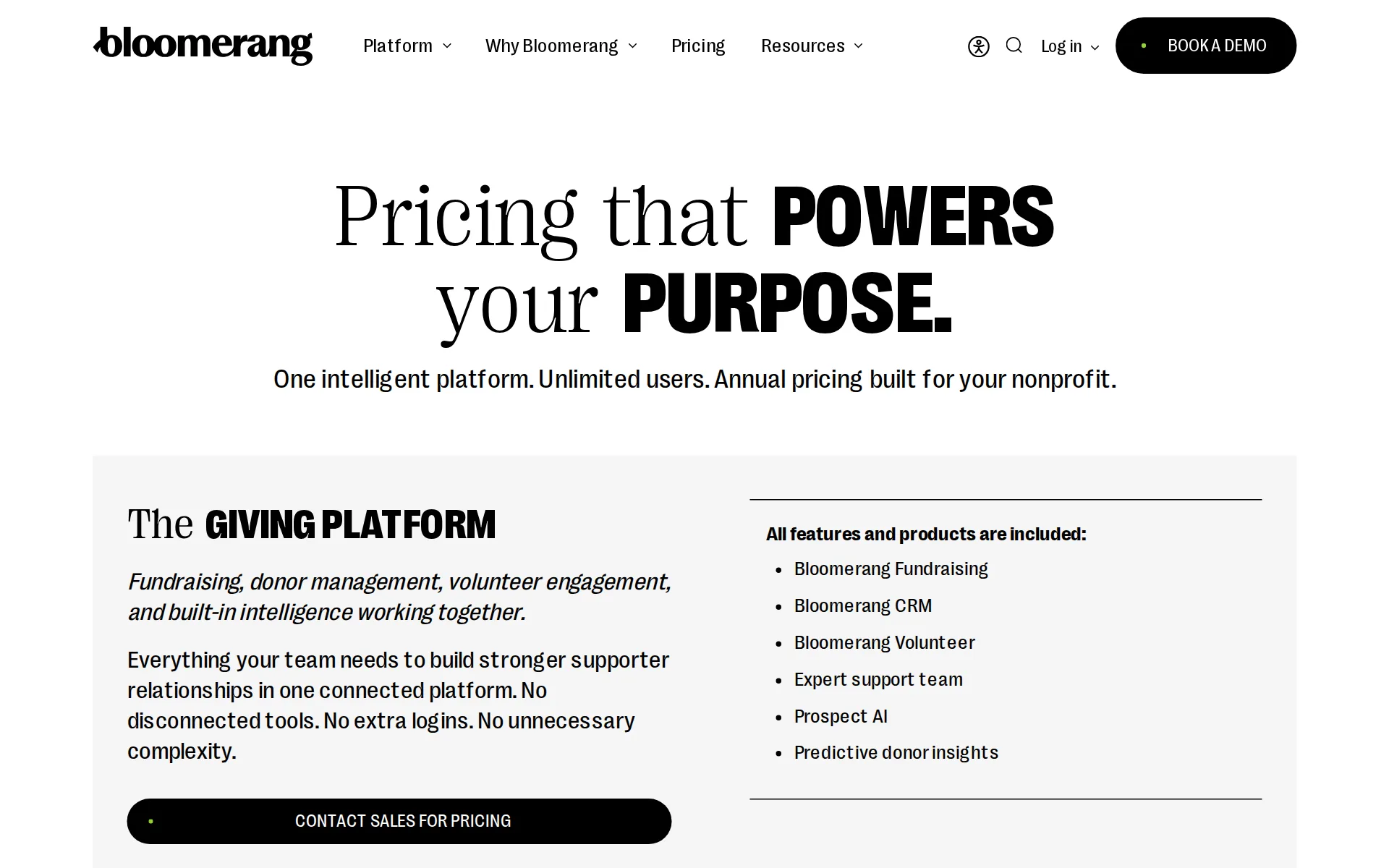
Pricing page, captured
bloomerang.com/pricing, checked
What we checked on Bloomerang
The fee per ticket
No separate ticketing service fee is published: event registration is billed at the Bloomerang Fundraising card processing rate of 3.95% plus $0.30 per transaction, with no setup, monthly or payout fee.
Visa, Mastercard, Discover | 3.95% + $0.30 | Per transaction.
Who pays the fees
Fees come out of the organization's proceeds by default, but GiftAssist lets registrants add an amount that covers the processing cost, and new standard forms preselect it for donors.
GiftAssist does not replace processing fees. It is a small, additional donation that donors can add to their transactions so the final amount you…
Card processing
Bloomerang Payments processes cards in-house for event registration at 3.95% plus $0.30, with AMEX at 4.95% and ACH at 1.95% plus $0.95; outside processors carry a 1.95% platform fee on top.
The pricing in the following table applies to: Fundraising forms Text fundraising Event registration Auctions Peer-to-peer
All-in price at checkout
Registrants see the package price the organization set, and fees are not added on top; however, new forms preselect the optional GiftAssist amount, so the first total shown includes a fee contribution a buyer must clear.
New standard and peer-to-peer forms have GiftAssist and Opt-in Donors by default enabled automatically. This means the GiftAssist option is…
Free events
A free RSVP event is set up as a $0 package, and the published fee schedule charges only a percentage plus fixed amount per processed transaction, with no setup, monthly or minimum merchant fee.
Tip: To set up a free RSVP-only event, create an event and add a package with a cost of $0.
Plans and subscriptions
Selling tickets requires a paid subscription priced by constituent records, with Bloomerang Fundraising starting at $40 a month billed annually and only sold bundled with Bloomerang CRM from $125 a month.
Starting at: $40 /month, billed annually*
bloomerang.com/pricingChecked
Donations and tips
Event registration forms carry add-on donations alongside tickets, and GiftAssist asks buyers to add an amount covering processing costs rather than tipping the platform itself.
Offer ticket bundles, promo codes, set registration limits, and add-on donations—all designed to boost registration and make sign-up a breeze.
Sales tax on tickets
adds a tax line: taxes apply to store items bundled into a registration total, and packages carry a fair market value field for the non-deductible portion, but no sales tax collection or remittance on tickets is documented.
For registrations, the total includes: Registration costs Donations Store items (including taxes and shipping), if applicable
When you get the money
Money is paid out to the organization's own bank account on a daily schedule by default, changeable to weekly or monthly, and the published schedule lists a $0 payout fee.
Payout Frequency is automatically set to Daily but can be changed to Weekly or Monthly.
Disputed charges
The published fee schedule sets a $0 fee when a buyer disputes a card charge with their bank, and a $15 fee for each time a buyer disputes an ACH payment with their bank, but the pages do not say who ultimately bears the disputed amount itself.
ACH Chargeback Fee | $15 | Per chargeback instance.
Your buyers’ details
Registrant records flow into the donor database, attendees can be emailed from the event's Attendees area, and the vendor states organizations own and can export their data at any time.
You own your data. We provide easy exports at any time—no proprietary tokens or migration hurdles and no risk of being stranded mid-donor campaign.
bloomerang.com/pricingChecked
Ticket types and discounts
Packages cover tickets, tables and sponsorships with early-bird discounts, multi-package pricing, promo codes, per-event and per-transaction limits, and private packages reachable only by shared URL.
At least one package must be created before your event can become active. You'll create packages for each unique pricing and registration option.…
Reserved seating
Staff assign guests to tables and seats with a drag-and-drop layout tool, but the documentation describes organizers arranging seating rather than buyers choosing their own seats at checkout.
Easily create and manage your on-site event layout with drag-and-drop tools so every guest gets the right seat without the stress.
Questions at checkout
Custom event fields can be attached to individual packages and attendee details requested per ticket, so questions such as meal choice or shirt size are collected per guest rather than only per order.
If you want to collect a t-shirt size for each participant who selects this package, create a custom field for T-shirt Size. Then, in Custom Event…
Registration forms and waivers
Drag-and-drop registration forms take custom fields and attendee details per ticket; digital waivers with e-signatures are documented for Bloomerang Volunteer, not for event registration forms.
Customizable drag-and-drop event registration forms
bloomerang.com/pricingChecked
Waitlist
Shift waitlisting is documented for Bloomerang Volunteer, while the standard event documentation covers ticket limits and sell-outs without describing a waitlist for sold-out event tickets.
On the page: Bloomerang Volunteer card, Scheduling feature list
bloomerang.com/pricingChecked
Sell on your own website
An Event Registration widget drops a customizable Get Tickets button on the organization's own site, and clicking it opens the registration modal in place rather than sending buyers away.
Clicking the embedded button will open a registration modal right on your site.
Website builders
embed only: widgets are pasted as custom HTML and work on WordPress.org and Squarespace with Ajax disabled, while Wix, GoDaddy, Google Sites and WordPress.com are named as hosts that do not work.
Your website editor must accept custom HTML for a widget to work properly. There are a few website hosting services that don't play well with…
Add-ons
Packages themselves can be used for merchandise alongside tickets, and auction events offer a virtual storefront whose store items are added into the registration total with taxes and shipping.
They can be used for tickets, tables, sponsorship, merchandise, and more.
Recurring events
An annual event is reused by cloning the finished event rather than scheduling a series, and the vendor presents cloning as the route for events repeated year to year.
You can also clone your events. This is especially useful if you have an annual event that you want to reuse from year to year.
Refunds and transfers by buyers
With Ticket Management on, purchasers email tickets to guests, edit guest details and revoke or resend tickets themselves, but refunds are issued by staff from the Transactions area.
From here, the ticket purchaser can view the QR codes, add and edit guest information and custom fields for all tickets, and email tickets to guests
Check-in app
The Bloomerang Fundraising app and a browser camera both scan QR tickets to check attendees in, but QR check-in for standard events requires the Giving Essentials or Giving+ package and no offline mode is documented.
Please note: QR Check-In for standard events is only available with the Giving Essentials or Giving+ package.
Door sales
The Virtual Terminal records cash and check registrations at the door, and Tap to Pay in the mobile app takes card payments, which carry the same published processing rates.
Using the Virtual Terminal, you can enter offline cash and check donations and event registrations on your Bloomerang Fundraising form.
Apple Wallet
Auction registrants get a ticket email with a link to add the ticket to Apple Wallet; for standard events the documentation describes a QR code in the email and a printable PDF instead.
After they register, attendees will receive a ticket email that includes the QR code and links to add the digital ticket to their Apple Wallet or…
Google Wallet
The same auction ticket email links to Google Wallet, while the standard event article documents only emailed QR codes and PDF tickets rather than wallet passes.
On the page: What QR Codes Look Like for Attendees, first paragraph
Email to buyers
Attendees can be emailed from the event's Attendees area, and the CRM side adds an email builder, automated journeys and segmentation that reach past event registrants.
Attendees – Review a list of your registered attendees and send email communication to them from this area.
Ad tracking
Meta Pixel, Meta Conversions API, Google Analytics 4 and Google Tag Manager are connected from the Integrations area, and tracking can be scoped to all standard event forms or named forms.
On the Integrations landing page, you can activate integrations with Google Tag Manager, Google Analytics 4, Meta Conversions API, and Meta Pixel.
Promoter links
Peer-to-peer campaigns give supporters individual and team registration and fundraising pages with sharing tools and thermometers; peer-to-peer transactions carry an extra 1% on top of processing.
Individual & team registration & fundraising pages
bloomerang.com/pricingChecked
Works with
Mailchimp, Constant Contact, Klaviyo, Salesforce, QuickBooks Online, Zapier and several donor CRMs connect, but the vendor states service integrations come with the Giving Essentials and Giving+ packages.
All service integrations are included as part of our Giving Essentials and Giving+ packages.
API
Bloomerang publishes an open REST API with a private key plus a public-key Bloomerang.js for forms, and Bloomerang Fundraising issues per-form API tokens under Data Tools.
Bloomerang has two ways to get data into the system using an API. They are: Bloomerang REST API (private key) Bloomerang.js (public key)
bloomerang.com/apiChecked
United States
Forms can receive donations from anywhere, and donations are processed in United States dollars (USD).
On the page: Create Online Giving Forms, opening paragraphs
Canada
CRM forms use Canadian dollars only when the organization is set to Canada with a Canadian Stripe or Authorize.net account, and no pound processing is documented.
Forms can receive donations from anywhere, and donations are processed in United States dollars (USD). If you select Canada in your organization…
Free to start
There is no free way to sell tickets: the fundraising product that runs event registration starts at $40 a month billed annually and must be bought bundled with the CRM.
*Must be purchased as part of bundle with Bloomerang CRM
bloomerang.com/pricingChecked
Sign up without a sales call
Every pricing call to action routes to a demo or a quote built around the organization's record count, so a buyer cannot sign up and start selling the same day.
Share a few details and our team will put together Giving Platform pricing that fits your goals.
bloomerang.com/pricingChecked
Contract
Pricing is annual and record-based, and the vendor promises data export at any time with no lock-in, but no page states a minimum term, exclusivity or how to leave between events.
One intelligent platform. Unlimited users. Annual pricing built for your nonprofit.
bloomerang.com/pricingChecked
Support on event day
The vendor says support staff are reachable by phone, email or live chat, publishes 888-855-9595 and a fundraising support address, but states no hours or after-hours cover for event night.
Our dedicated support staff is always available via phone, email, or live chat to help you maximize success.
bloomerang.com/pricingChecked
Bloomerang alternatives
All 9 alternatives6 more alternatives
8 of the 9 publish a price.
- HumanitixFree, then $1.29 per paid ticketNonprofit ticketing: 5% + $1.29 a paid ticket, card processing included, profits to charity.
- TicketSpiceFrom $0.99 per ticketFlat 99¢-per-ticket ticketing for events and attractions, with in-house payments and a box office app.
- RunSignupFreeFree endurance-event registration platform billed only through per-transaction processing fees.
- RSVPifyFree, then $0.90 per ticketRegistration, ticketing, guest management, seating, and QR-code check-in in one platform.


Sources and changes
Last changed
Sources15
- bloomerang.com/pricing
- help.bloomerang.com/en/articles/17569267-event-packages
- help.bloomerang.com/en/articles/17569421-giftassist
- help.bloomerang.com/en/articles/17571957-payment-processing-pricing
- help.bloomerang.com/en/articles/17569040-events-quick-start-guide
- help.bloomerang.com/en/articles/17569462-auctions-scannable-qr-tickets
- help.bloomerang.com/en/articles/17569467-events-scannable-qr-tickets
- help.bloomerang.com/en/articles/17570203-embed-forms-with-organization-level-widgets
- bloomerang.com/features/event-management
- bloomerang.com/api
- help.bloomerang.com/en/articles/17568541-create-online-giving-forms
- help.bloomerang.com/en/articles/17569903-analytics-integrations
- help.bloomerang.com/en/articles/17569910-bloomerang-fundraising-integrations
- help.bloomerang.com/en/articles/17570335-managing-bloomerang-fundraising-offline-transactions
- help.bloomerang.com/en/articles/17570356-access-payments-in-bloomerang-fundraising
Is this yours?
Run this platform? Claim the page for free, see its visitors and add the owner mark. You confirm it with an email at bloomerang.com.
Report an error if a fact is wrong.